10 Best Dell Laptops in India (November 2026): Every Budget Covered


Choosing the best Dell laptop is mostly a matter of picking the right series, because Dell now sells the same job under more than one name in India. A Dell 15 for everyday work, an Inspiron that looks almost the same, a Vostro aimed at small offices, a G15 for games, and an XPS for people who will pay for a better screen can sit in the same shop with very different insides. This guide maps each series to a budget and names the best Dell laptop in each one.
Dell sits in our best laptop brands in India list as the safe office choice: plain chassis, wide onsite support, and model codes that are worth reading carefully after the 2025 rename of the mainstream range to Dell 14 and Dell 15. We rebuilt this page on 10 November 2026, kept ten configurations across everyday, gaming and premium use, and wrote each note around the processor, memory, screen and weight rather than the badge. Confirm the live listing before you pay, because retailers reuse similar names for different hardware.
On this page
- Best Dell laptop picks at a glance
- Dell laptop series explained: Inspiron, Vostro, Dell 14/15, G-series, Alienware and XPS
- The 10 best Dell laptops in India, by budget
- Best Dell laptop under 50000, and what the next bands buy
- Inspiron vs XPS, and Dell 15 vs Vostro: which should you buy?
- Is Dell a good laptop brand? Dell vs HP, Lenovo and ASUS
- How to choose the best Dell laptop for you
- Best Dell laptop by budget: where to go next
- FAQs
- Final word
- More buying guides
Best Dell laptop picks at a glance

Here is the short list. Each row links to the full pick below. Read the band and the memory configuration, not just the model name: the best Dell laptop for a study desk and the best one for a creator are rarely the same machine.
| Budget | Best Dell laptop | Series | Best for |
|---|---|---|---|
| Entry everyday | Dell 15 (Ryzen 5 7520U, 8GB) | Dell 15 | Light home and study use |
| Everyday, 16GB | Dell 15 (Core 3 100U, 16GB) | Dell 15 | Multitasking on a budget |
| Study and coding | Dell 15 (Core i5-1334U, 16GB) | Dell 15 | Students and office work |
| Heavier office work | Dell 15 (Core i7-1355U, 16GB) | Dell 15 | CPU-heavy spreadsheets and tabs |
| Older Inspiron | Inspiron 15 3535 (Ryzen 5, 8GB) | Inspiron | Basic home use only |
| Large storage | Dell 15 (Core i5-1334U, 1TB) | Dell 15 | Lots of files at a desk |
| Budget gaming | G15 5520 (RTX 3050, 1TB) | G-series | Older but real dedicated graphics |
| Compact OLED | Dell 14S OLED (Core Ultra 5 322) | Dell 14 | A brighter 14-inch screen |
| Creator workspace | Dell 16 Plus (Core Ultra 7 256V) | Dell Plus | A large 2.5K, 120Hz panel |
| Premium creative | XPS 16 (Core Ultra X7, 32GB, OLED) | XPS | The flagship Dell laptop |
If you want one answer, the best Dell laptop for most buyers is the Dell 15 with the Core i5-1334U and 16GB of memory. It does the everyday job without the soldered 8GB ceiling of the entry models. Gamers should look at the G15 first, knowing it is an older platform, and anyone buying for a colour-critical screen should stretch to the 14S OLED or the XPS 16.
Dell laptop series explained: Inspiron, Vostro, Dell 14/15, G-series, Alienware and XPS

You cannot choose the best Dell laptop without knowing what the series name means, because two machines that look alike can sit a generation and a keyboard apart. Dell also renamed a large part of the mainstream range in 2025, so an Inspiron 3530 and a Dell 15 can appear in the same results with different ports and memory rules. Here is the map.
Dell 14 and Dell 15: the current everyday line
This is the renamed mainstream range, and it is where most people will land. A Dell 15 with 16GB of memory and a 512GB SSD is the default office and college machine. Watch the memory: some configurations use soldered LPDDR5 at 8GB, and some use a single DDR4 module at 16GB. The first cannot be upgraded. The second sometimes can, but only if the exact model code has a free slot.
Inspiron: the older consumer name, still on sale
Inspiron 3520, 3530, 3535 and 14-inch versions are still listed in India, often cheaper than the newer Dell 15 with similar chips. The trade is usually an older panel, a smaller battery or soldered 8GB memory. Buy an Inspiron only when the specification sheet is clearly as good as the Dell 15 at a lower price, not because the name feels familiar.
Vostro: the small-business line
Vostro is Dell's answer to a ThinkBook or an HP ProBook: a plainer lid, often an Ethernet port, and warranty options aimed at shops and offices. In India the Vostro range is thinner than it used to be, and several Vostro configurations share a chassis with Inspiron or Dell 15 machines. If you want the business extras, compare the warranty and the port set, not the badge alone. We did not find a Vostro configuration that beat the Dell 15 picks below on specification and stock at the same time, so none appears as a commercial pick, but the series is still the right place to look if you need a numbered onsite plan for a small office.
G-series: Dell's cheaper gaming line
The G15 and G16 carry dedicated NVIDIA graphics at a lower price than Alienware. The G15 5520 in this guide is an older 12th-generation platform with an RTX 3050, so it is a value gaming laptop rather than a current-generation one. Compare its wattage and warranty with a current Victus, LOQ or TUF before you pay, and do not treat the G name as a promise of a new GPU.
Alienware: the enthusiast gaming line
Alienware is where Dell puts thicker cooling, higher power limits and the current RTX tiers. It is also where the price leaves this everyday guide. If you want a current-generation Dell gaming laptop, start at Alienware after you have read our laptop graphics card guide, not at a leftover G15, unless the older card still does the games you actually play.
XPS and Dell Plus: the premium line
XPS is the thin metal lid, the better screen and the higher price. Dell Plus, including the Dell 16 Plus below, sits just under XPS: a large, high-resolution panel and a Core Ultra chip, with less jewellery than an XPS 16. Memory on both is usually soldered, so choose the capacity you will need for the life of the machine.
The 10 best Dell laptops in India, by budget
These are the ten configurations we would buy, from the cheapest everyday Dell 15 to the XPS 16. Each note states the weak spot as clearly as the strength. Use the price button on each pick for the live listing.
Dell 15 (Ryzen 5 7520U, 8GB/512GB)
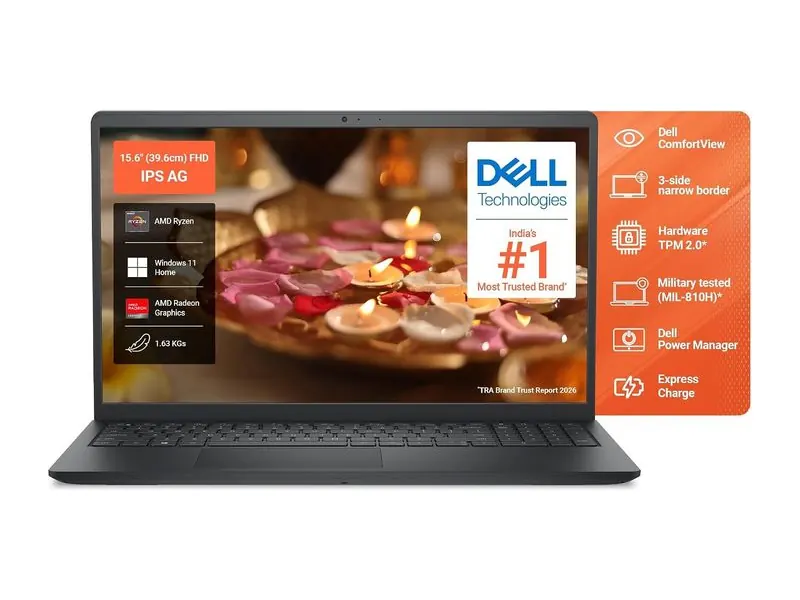
The cheapest Dell 15 we would still call usable: a Ryzen 5, a 512GB SSD and a 120Hz screen for browsing, video calls and Office. The 8GB of memory is soldered, so this is a light-use machine only. If you keep many tabs or apps open, skip it and start at the 16GB Dell 15 below.
- Processor
- AMD Ryzen 5 7520U (4 cores / 8 threads, up to 4.3 GHz)
- Graphics
- AMD Radeon 610M (integrated)
- Memory
- 8GB LPDDR5-5500 (soldered)
- Storage
- 512GB PCIe NVMe SSD
- Display
- 15.6-inch FHD, 120Hz, 250 nits, anti-glare
- Weight
- 1.63 kg
Dell 15 (Core 3 100U, 16GB/512GB)
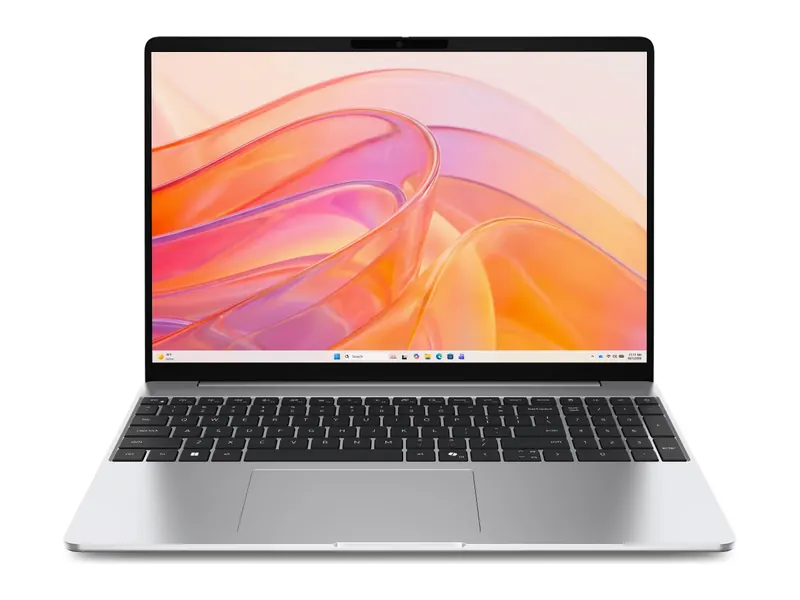
Sixteen gigabytes of memory is the real reason to pick this over the Ryzen 5 entry model, and the 120Hz IPS panel is a little nicer for long days. The Core 3 100U is a modest U-series chip, so it is happier in Office than in long exports. Intel UHD graphics will not game. Check whether the exact model code has a second memory slot if you plan to add more later.
- Processor
- Intel Core 3 100U (6 cores, up to 4.7 GHz)
- Graphics
- Intel UHD Graphics
- Memory
- 16GB DDR4-2666 (1x16GB)
- Storage
- 512GB SSD
- Display
- 15.6-inch FHD, 120Hz, WVA IPS, 250 nits, anti-glare
- Weight
- 1.63 kg
Dell 15 (Core i5-1334U, 16GB/512GB)
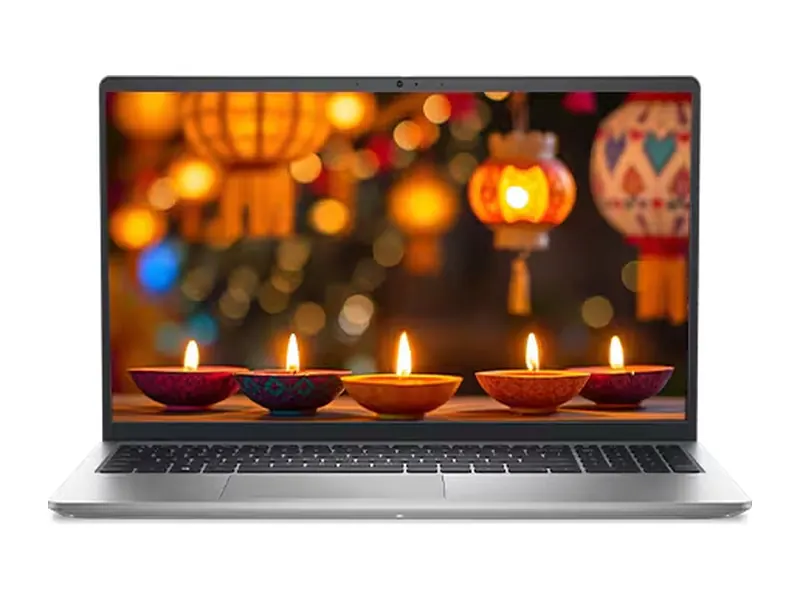
A 10-core Core i5 and 16GB of memory make this the best Dell laptop for most students and office buyers. It handles heavier spreadsheets, a local development environment and a lot of browser tabs without the 8GB ceiling of the entry models. The 250-nit screen is still a weak point near a window, and the chip is a U-series part, so long compiles will be slower than on an H-series laptop at a higher price.
- Processor
- Intel Core i5-1334U (10 cores, up to 4.6 GHz, 12MB cache)
- Graphics
- Intel UHD Graphics
- Memory
- 16GB DDR4-2666 (1x16GB)
- Storage
- 512GB SSD
- Display
- 15.6-inch FHD, 120Hz, WVA IPS, 250 nits, anti-glare
- Weight
- 1.69 kg
Dell 15 (Core i7-1355U, 16GB/512GB)
Choose the Core i7 configuration when you already know your work is CPU-heavy: large Excel models, many virtual machines, or frequent video calls with screen share. It is also the heaviest Dell 15 here at 1.94 kg, so compare it with the Core i5 model before you pay the extra. The screen and graphics do not jump a class; you are buying sustained CPU headroom, not a better panel.
- Processor
- Intel Core i7-1355U (10 cores, up to 5.0GHz)
- Graphics
- Intel graphics (integrated)
- Memory
- 16GB DDR4
- Storage
- 512GB SSD
- Display
- 15.6-inch FHD, 120Hz, 250 nits
- Weight
- 1.94 kg
Dell Inspiron 15 3535 (Ryzen 5 7520U, 8GB/512GB)
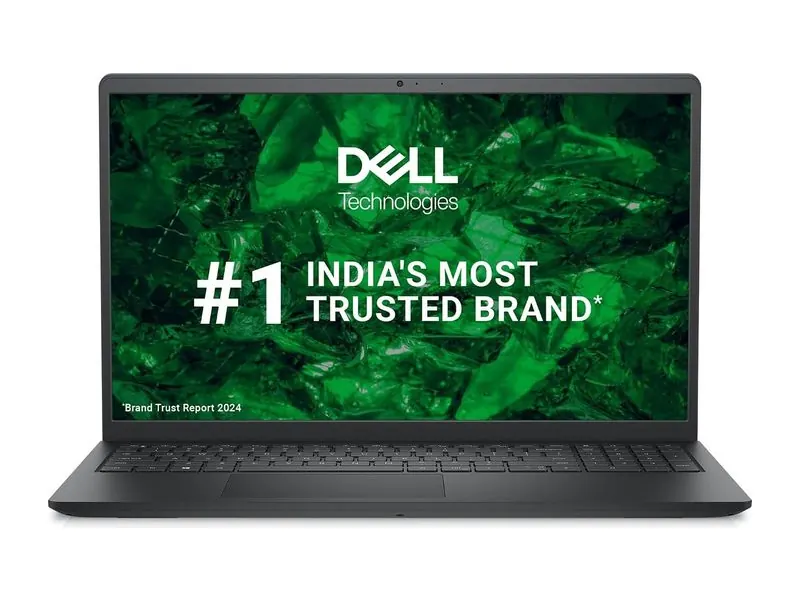
This older Inspiron uses the same entry Ryzen 5 as the cheapest Dell 15, with the same soldered 8GB memory. It is a basic-use option only, and only worth it if it is clearly cheaper than the 16GB Dell 15. If you can reach the Core 3 or Core i5 models, do that instead.
- Processor
- AMD Ryzen 5 7520U (4 cores / 8 threads, up to 4.3 GHz)
- Graphics
- AMD Radeon 610M (integrated)
- Memory
- 8GB LPDDR5 (soldered)
- Storage
- 512GB PCIe NVMe SSD
- Display
- 15.6-inch FHD
- Weight
- 1.62 kg
Dell 15 (Core i5-1334U, 16GB/1TB)
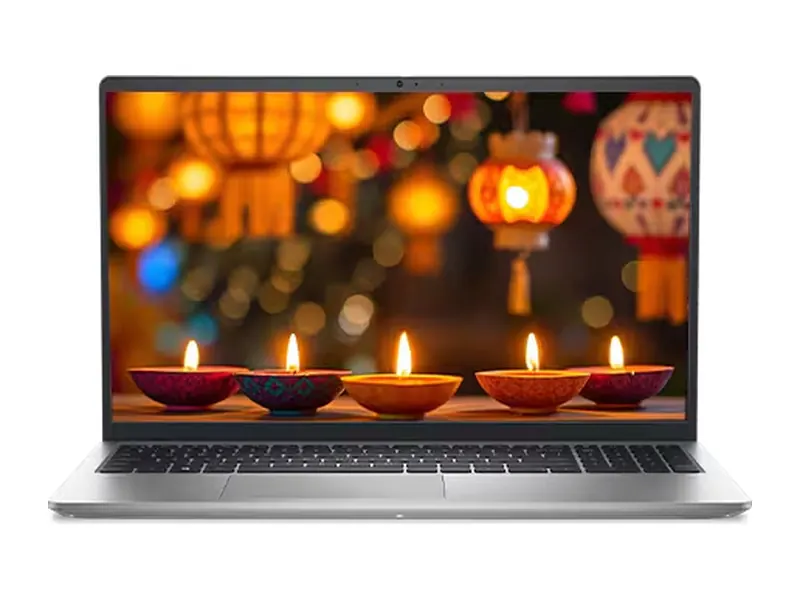
The same Core i5 Dell 15 as pick 3, with the storage doubled to 1TB for larger work files, photos and offline media. It is still an everyday laptop, not a gaming model. If you already know 512GB will fill up, this is the cleaner buy than adding an external drive later.
- Processor
- Intel Core i5-1334U (13th gen)
- Graphics
- Intel Iris Xe graphics (integrated)
- Memory
- 16GB DDR4
- Storage
- 1TB M.2 PCIe NVMe SSD
- Display
- 15.6-inch FHD, 120Hz
- Weight
- 1.62 kg
Dell G15 5520 (Core i5-12500H, RTX 3050 4GB, 1TB)
The G15 5520 is the cheapest way to get a dedicated RTX 3050 in a Dell chassis, with 16GB of DDR5 in two sticks and a 1TB SSD. It is also an older platform and a 2.81 kg machine, and 4GB of video memory is the smaller RTX 3050. Compare it with a current Victus, LOQ or TUF, and read our RTX 3050 vs RTX 4050 laptop comparison before you treat this as a long-term gaming laptop.
- Processor
- Intel Core i5-12500H (12 cores, 16 threads, up to 4.5 GHz)
- Graphics
- NVIDIA GeForce RTX 3050 4GB GDDR6, up to 90W TGP
- Memory
- 16GB DDR5-4800 (2x8GB)
- Storage
- 1TB SSD
- Display
- 15.6-inch FHD WVA, 120Hz, 250 nits, anti-glare
- Weight
- 2.81 kg
Dell 14S OLED (Core Ultra 5 322, 16GB/512GB)
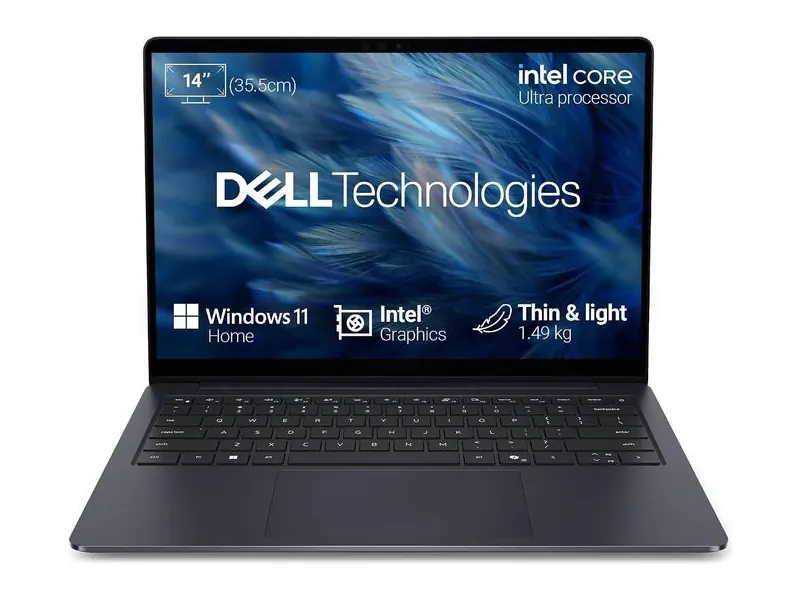
A 14-inch OLED touchscreen, 16GB of fast memory and a Core Ultra chip in a 1.45 kg body, which is the compact premium Dell laptop most people actually want. Memory is soldered, so 16GB is the ceiling. We confirmed this configuration in stock on 10 November 2026; as with every pick, confirm the live price before you pay, because thin stock moves quickly.
- Processor
- Intel Core Ultra 5 322 (6 cores, up to 4.4GHz, 46 TOPS NPU)
- Graphics
- Intel graphics (integrated)
- Memory
- 16GB LPDDR5x-7467 (soldered)
- Storage
- 512GB SSD
- Display
- 14-inch FHD+ (1920x1200) OLED touch, 60Hz, 300 nits
- Weight
- 1.45 kg
Dell 16 Plus (Core Ultra 7 256V, 16GB/1TB)
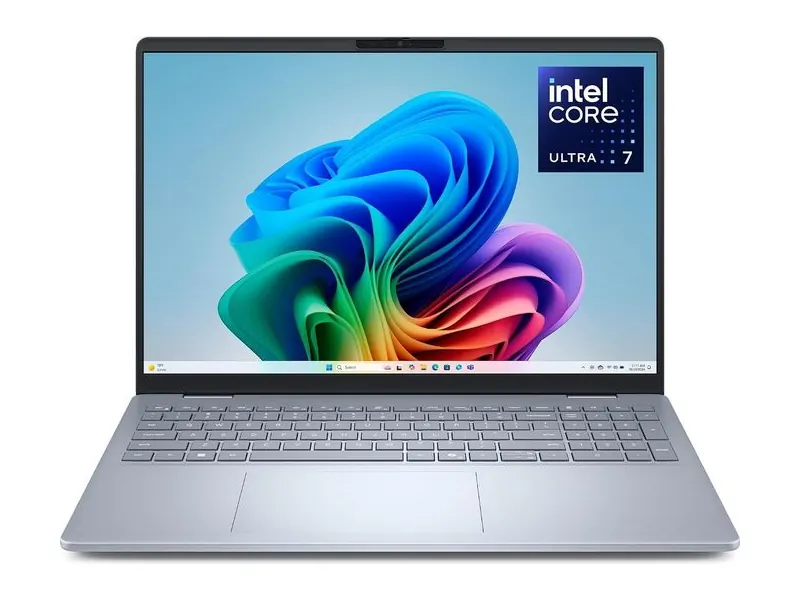
A 16-inch 2.5K, 120Hz panel, a Core Ultra 7 and 1TB of storage make this the Dell laptop to pick for demanding productivity and light creative work without jumping to XPS money. The Arc 140V graphics are the right class for light edits, not for 4K timelines. Memory sits on the package, so you cannot add more later.
- Processor
- Intel Core Ultra 7 256V (8 cores, up to 4.8GHz)
- Graphics
- Intel Arc 140V (integrated)
- Memory
- 16GB LPDDR5X (on package)
- Storage
- 1TB SSD
- Display
- 16-inch 2.5K (2560x1600) 16:10, 120Hz
- Weight
- 1.87 kg
Dell XPS 16 (Core Ultra X7 358H, 32GB/1TB, 3.2K OLED)
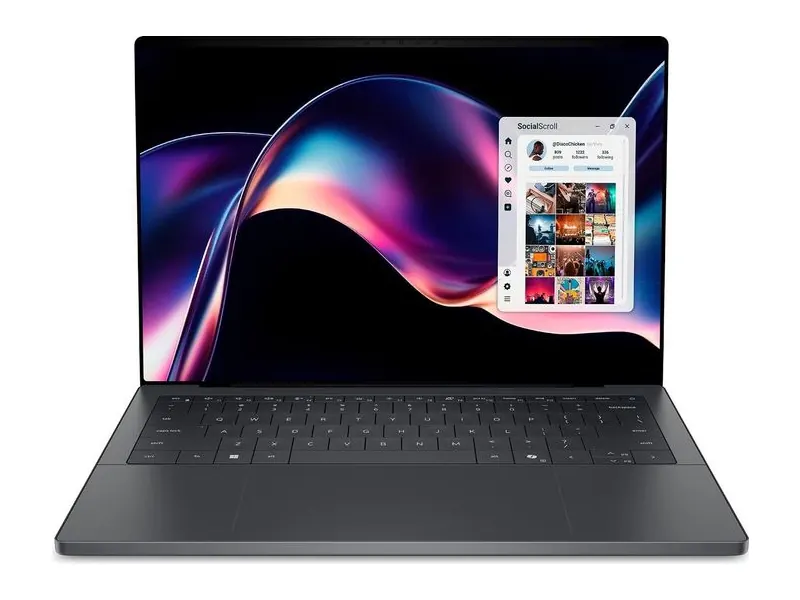
The XPS 16 is the flagship: a high-resolution OLED touchscreen, 32GB of memory and a 16-core Core Ultra X7 in a 1.65 kg body. Check the exact GPU configuration if your work uses 3D or GPU-accelerated tools, because some XPS 16 configurations are integrated-graphics only. This is the best Dell laptop if the screen and the build are what you are paying for, and the wrong one if you wanted a discrete GPU at the same money.
- Processor
- Intel Core Ultra X7 358H (16 cores, up to 4.8GHz)
- Graphics
- Integrated Intel Arc graphics
- Memory
- 32GB LPDDR5x-9600 (soldered)
- Storage
- 1TB SSD
- Display
- 16-inch 3.2K (3200x2000) OLED touch, 400 nits typical
- Weight
- 1.65 kg
Best Dell laptop under 50000, and what the next bands buy
Searches for the best Dell laptop under 50000, under 1 lakh and under 1.5 lakh are the usual next questions, so here is what this range actually offers in those bands.
Under ₹50,000: the honest answer is tight. The entry Dell 15 with 8GB of soldered memory and the older Inspiron 15 3535 are the Dell configurations that can appear in this band when listings dip. Both are light-use machines. If you can stretch to a 16GB Dell 15, do that instead. Our best laptops under ₹50,000 guide covers the wider market in this budget, not just Dell.
Under ₹1 lakh: this is where the Dell 15 range earns its keep. The Core i5 Dell 15, the Core i7 Dell 15 and the 1TB Core i5 all sit here, and the G15 5520 is the gaming option if you can accept an older RTX 3050. See our best laptops under ₹1 lakh if you want to compare other brands in the same band.
Above ₹1 lakh: the Dell 14S OLED, the Dell 16 Plus and the XPS 16 live here. This is the jump from a 250-nit office panel to OLED or 2.5K, and from upgradeable DDR4 in some Dell 15 models to soldered memory you must get right the first time.
Inspiron vs XPS, and Dell 15 vs Vostro: which should you buy?
Inspiron vs XPS is the comparison most people mean when they ask whether a cheap Dell is "good enough". The short answer is that they are not rivals. Inspiron and the current Dell 15 are everyday plastic or simple-lid machines with 250-nit screens. XPS is a premium metal laptop with a much better panel and a much higher price. Buy Inspiron or Dell 15 for work you already know how to do. Buy XPS when the screen, the weight and the build are the product.
Dell 15 vs Vostro is a closer call. Vostro often adds a slightly more business-like port set and a warranty that a shop can register, but the chassis and the chip can be shared with a Dell 15. If the Vostro listing does not clearly add those extras, the Dell 15 is usually the simpler buy. If you need documented onsite cover for a small office, read the Vostro warranty line twice and compare it with a ThinkBook or an HP ProBook as well.
Is Dell a good laptop brand? Dell vs HP, Lenovo and ASUS

Dell is a good laptop brand in India when support and a plain, sturdy office machine matter more than the last few thousand rupees of specification. It is a weaker choice if you want the brightest screen or the newest gaming chip at a given price.
Dell vs HP: HP usually wins on service reach in smaller cities, and Victus is a stronger current gaming line than the leftover G15. Dell often feels sturdier in the office range and is easier to add a next-business-day plan to. If after-sales in a small town is the worry, start with our HP laptops guide. If you want a conservative office machine with Dell support, stay here.
Dell vs Lenovo: Lenovo usually wins on keyboards, on the width of the range, and on published spec sheets. The best Dell laptop for typing is still not a ThinkPad. Dell wins when you want a simple office chassis and a support plan you already know how to use. See all twelve picks in our Lenovo laptops guide.
Dell vs ASUS: ASUS usually wins on screens and on specification per rupee, especially in Vivobook and TUF. Dell wins on a calmer office range and on support paperwork. If the panel is the reason you are shopping, start with the ASUS and HP guides rather than forcing an XPS-sized budget onto a Dell 15.
How to choose the best Dell laptop for you

Four checks settle most best Dell laptop decisions, and the first one is memory.
- Memory first. Skip soldered 8GB configurations unless the laptop is only for browsing and video calls. Prefer 16GB, and prefer a configuration with a slot if you think you will want more later.
- Read the full model code. After the 2025 rename, "Dell 15" is not one laptop. The code on the listing decides the chip, the memory rules and the ports.
- Match the series to the job. Dell 15 or Inspiron for everyday work, G-series or Alienware for games, Dell Plus or XPS for a better screen. Do not buy an XPS to get a discrete GPU unless the listing names one.
- Weigh the charger and the warranty. A Core i7 Dell 15 at 1.94 kg is a different bag from a 1.45 kg 14S. If you need onsite cover, add it at the time of purchase and register it, rather than assuming the base term is enough.
If you are still choosing a budget first, start at our laptops hub and come back to this page once the band is clear.
Best Dell laptop by budget: where to go next
This is the Dell brand page. The neighbouring budget guides are the right next step if you already know how much you want to spend, and they include other brands in the same band.
- Best laptops under ₹50,000 for the tightest band, where only the entry Dell 15 and older Inspiron configurations sometimes appear.
- Best laptops under ₹70,000 and best laptops under ₹1 lakh for the Core i5 and Core i7 Dell 15 range.
- Best gaming laptops under ₹1 lakh if a dedicated GPU is the reason you are looking at the G15.
Frequently asked questions
Which is the best Dell laptop for students?
The Dell 15 with the Core i5-1334U and 16GB of memory is the best Dell laptop for most students. It has enough cores and memory for notes, browsers and light coding, without the soldered 8GB ceiling of the entry models. Stretch to the 14S OLED only if the screen is worth the jump in price.
Is Dell a good laptop brand in India?
Yes, especially for office work and for buyers who want a straightforward onsite support plan. Dell is less strong on bright screens and on current-generation gaming laptops at a given price, where HP, Lenovo and ASUS often offer more specification for the money.
What is the difference between Inspiron, Vostro and Dell 15?
Dell 15 is the current mainstream name. Inspiron is the older consumer name still on sale, often with similar chips and a slightly older panel or smaller battery. Vostro is the small-business line, sometimes with a more office-like port set and warranty. Always compare the exact model code, because the badge alone no longer tells you the insides.
Can I upgrade the RAM on a Dell 15?
Sometimes. Configurations with soldered LPDDR5, including the 8GB entry models, cannot be upgraded. Some DDR4 Dell 15 configurations use a single 16GB module and may have a second slot, but that depends on the exact model code. If you need a guaranteed upgrade path, confirm the slot in the service manual before you buy, or choose a ThinkBook or a similar two-slot office laptop.
Which Dell laptop is best for gaming?
The G15 5520 is the cheapest Dell in this guide with a dedicated RTX 3050, but it is an older platform with 4GB of video memory. For a current-generation Dell gaming laptop, look at Alienware, and compare those machines with Victus, LOQ and TUF in our gaming guides before you decide.
The final word
The best Dell laptop for most people is the Dell 15 with a Core i5 and 16GB of memory: enough chip and enough RAM for study and office work, without paying XPS money for a better lid. Move up to the Core i7 Dell 15 only if you already know your work is heavy, and skip the soldered 8GB entry models unless the laptop will only ever browse and join calls.
Choose the G15 only after you have compared it with current gaming laptops, and choose the 14S OLED, the 16 Plus or the XPS 16 when the screen is the reason you are shopping. In every case, read the full model code and the memory line before you pay, because Dell now uses similar names for very different hardware.
Last updated on . Specifications, stock and prices change frequently. Always check the live listing before you buy.
More buying guides

Best laptops under ₹50,000
Looking for the best laptop under 50000 in India? 7 picks for students, home and office, compared on verified specs with honest pros, cons and buying tips.
Read guide →
Best laptops under ₹1 lakh
Best laptop under 1 lakh in India: 8 Core Ultra, Ryzen AI, OLED and MacBook Neo picks compared on verified specs, with honest pros, cons and buying tips.
Read guide →
Best gaming laptops under ₹1 lakh
Best gaming laptop under 1 lakh in India: 7 RTX picks from Lenovo LOQ, Acer, ASUS TUF, MSI and Dell, with verified GPU wattage, specs and honest advice.
Read guide →